
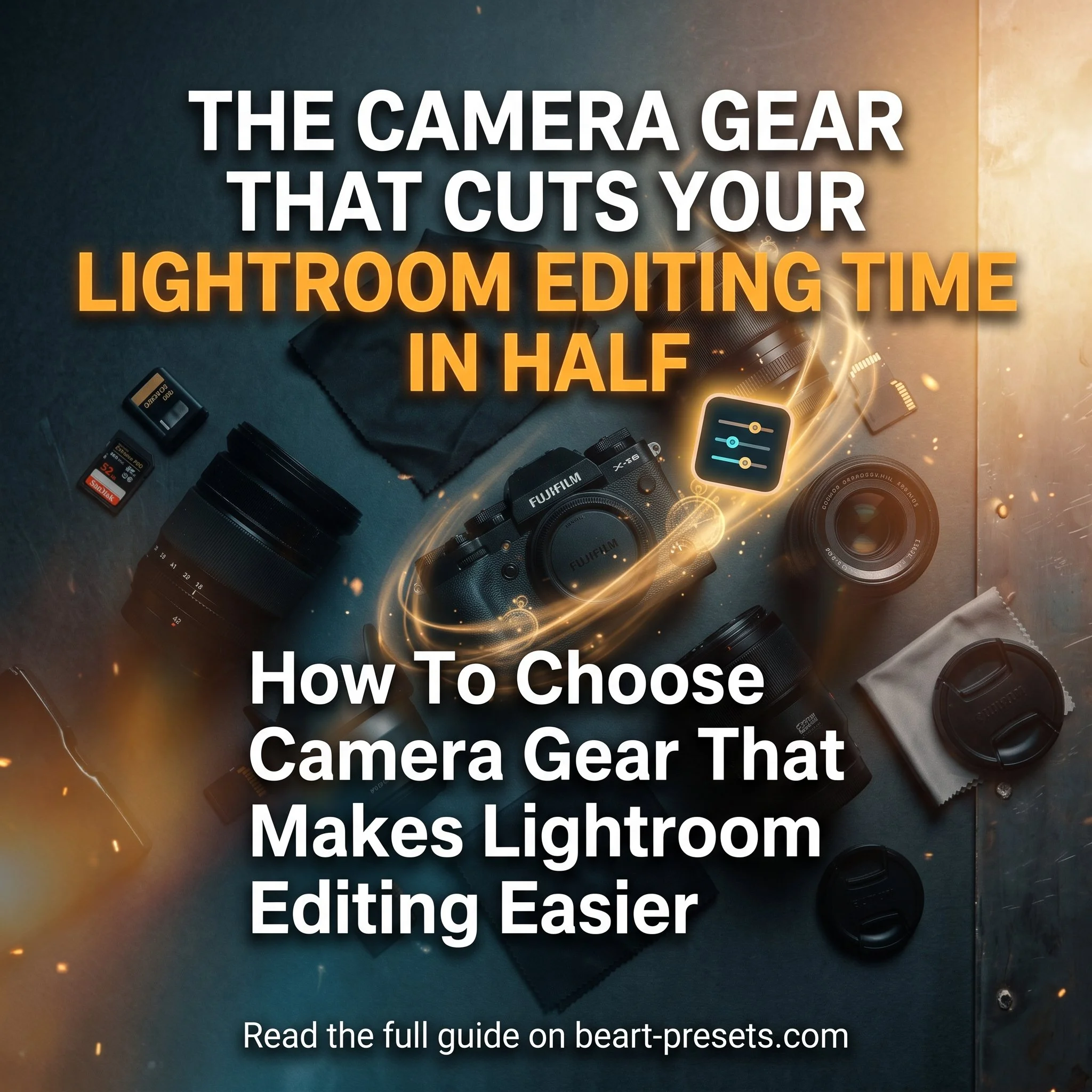
How To Choose Camera Gear That Makes Lightroom Editing Easier
Adobe Lightroom is a great tool for editing images. There are many features that can adjust colors, add contrast, enhance sharpness, and even use unique effects to create that wow factor. But a high-quality photo taken at the very beginning with the right gear in the right format makes editing in post a much cleaner and easier process.
Camera
The first and most obvious piece of equipment that will impact your photographs the most is, of course, your camera. Although it may sound obvious, it can’t be overstated just how much your camera choice affects your final work. The spectrum of cameras varies greatly. There are inexpensive point-and-shoot models that are best for beginners and high-end cameras with all the bells and whistles for professionals and dedicated hobbyists. Your choice will inevitably come down to your personal budget and your overall project or professional goals. For those browsing mirrorless or DSLR cameras for sale, it helps to compare models by sensor quality, dynamic range, file format options, and ease of use. The sensor traits built into your camera can reduce noise, produce higher resolution shots, and create smoother colors. If you invest in a camera that has a wider dynamic range, you can capture better detail in both bright and dark areas at the same time. The better the range, the more usable image detail you have to work with as you move to editing in Lightroom.
And finally, file format can have a major impact on your images when it comes to editing them in Lightroom. The better the bit depth, exposure quality, and dynamic range, the easier the image will be to work with and edit later. If your photographs are stored as JPEGs, they will be compressed and it will be more difficult to make seamless edits. However, a camera that lets you save RAW files will allow you to adjust exposure and recover details without noticeably affecting the final image quality.
Lenses
Investing in a good lens can also make a huge impact on the quality of your work. Wide-angle lenses can allow you to capture a wider field of view without having to clone stamp or use AI to fill in space on the sides of an image in Lightroom editing. A proper telephoto or zoom lens can help reduce the need for heavy cropping or recomposing later in Lightroom. A fisheye lens is great for distorted effects, and a prime lens can help you with crisp images from the start, reducing the need for time-consuming editing.
Lighting
A speedlight or other external flash can save you from extensively editing your images by adding fill light or creating contrast. Creating a well-balanced image the moment you capture it can save you a lot of time and resources with editing software. When photographing individuals, proper lighting equipment can reduce shadows under eyes or hats and also add more light to faces. Although these can be achieved in post-processing, the end result will not be as clean and may not look as natural. And of course, it will cost you time.
Reflector
In addition to external illumination, a reflector can further enhance the effect of lighting. Properly placed, it can help direct light where you need it, eliminate shadows, and soften the light if the light is too harsh.
The color of your reflector can also provide you with a variety of effects. White can create a softer natural fill, black can help add shadows or contrast, while a translucent scrim can help diffuse harsh sunlight. Properly used with external lighting, reflectors can minimize your reliance on color balance adjustments and contrast settings in Lightroom.
Lens Filters
Filters can often be one of the most overused features in photo editing software. They can create interesting effects, unique hues, and change the overall tone of your photograph. However, investing in a lens filter as part of your camera equipment can produce something a little more authentic. Polarizing filters are ideal for outdoor use as they help increase contrast and saturation in skies while neutral density filters limit how much light enters the lens – a necessary tool when shooting in bright locations. The right lens filter can reduce the need to manually saturate, adjust colors, or use Lightroom filters.
Tripods
Tripods, while one of the simpler forms of equipment, can also be the difference between a shot requiring Lightroom adjustments and one that does not. It also reduces the need to straighten images in editing or fix motion blur due to camera shake. In addition, a tripod can help you frame your subjects better, allowing you to spend less time in Lightroom with the cropping tool.
Color Checker
A color checker is another simple, yet effective tool that can save you a lot of time in post-editing. This piece of equipment provides a visual reference that helps you establish accurate color and white balance. When using a color checker in conjunction with software like Lightroom, it saves you from guesswork when tweaking tones and colors later.
Camera Cleaning Kit
A proper camera cleaning kit is probably not on the top of the list for those who are looking to improve their photography or minimize time editing. But it can be just as valuable as the other items on this list. When your camera and lens are properly cleaned, it saves you from having to fret over fuzz or fingerprints that may be on your lens and end up on your final images or videos. Properly used at the beginning of each session, it limits embarrassing smudges, specks, or dust that would otherwise be something you’d have to edit away in Lightroom later.
A proper cleaning kit also saves you from haphazardly resorting to other cleaning methods. Without a proper cleaning kit, you may reach to clean a lens using a paper towel or a random cloth that could cause permanent damage to your lens.
The Right Gear Creates a Better Editing Workflow
Lightroom is a remarkable tool that can take an ordinary photograph and turn it into something flawless. But relying solely on that software may cost you stress, time, and money.
From the type of camera you use to your choice of lighting and lenses, you have complete control over your work. The proper equipment from the start will make editing in Lightroom easier, saving you time while helping you produce the best photography you can. The less time you spend editing photographs, the more time you have to take them.
Author bio: Walt Kuhn is the Director of Education for Roberts Camera. Kuhn has provided expert guidance and education for thousands of students during his 10-year tenure. His extensive experience in sports, event, portrait, commercial photography and more gives him a rich background to draw on for teaching and keeping his students up-to-date with the latest and greatest tips, tricks and technology.






Get Free Presets for Lightroom created by top photographers to update your presets collection, save down on editing time, and open up new artistic horizons.

Introducing the Idyllic Santorini Lightroom Presets Collection, created for both mobile and desktop versions of Lightroom. Inspired by the timeless beauty of Santorini, this collection captures the feeling of returning home from an unforgettable journey with a camera full of memories. Whitewashed villages glowing in the afternoon sun, charming streets adorned with bougainvillea, leisurely breakfasts overlooking the sea, and soft pink sunsets melting into the horizon.
BUY NOW