
If you aren't using Lightroom to edit your pictures, what are you waiting for? You can get professional quality photos with some simple editing techniques in Lightroom.
Whether you are taking and editing pictures for yourself or someone else, quality matters. If you are editing images for a website, then quality certainly matters! Today's websites are often the first point of contact for many businesses acting like it's a virtual (and visual) calling card. It's critical that the quality of the photography is stellar.

Getting a photo perfect without any editing is pretty tough to do even for professionals. This is why photo editing software like Lightroom are so handy and so attractive. You don't necessarily have to hire a pro to get professional results if you use Lightroom.
There are two ways to shoot an image, and you can set your camera to do either one: JPEG and RAW. Raw files are larger and contain more data. More data means that you can make edits without having the photo look as if it's been over-edited. Keep in mind, that not all programs can't read RAW files which are why JPEG is so popular. We'll discuss working in RAW. It's the best way to ensure high-quality images you can rework without sacrificing the original image.
IMPORTING:
Once you move your photos from your camera to your computer, make sure you pull them into Lightroom. You'll be able to select "copy" or "add." We recommend you choose "add." If you copy, you'll be making a copy of what is already a huge file. Adding it is sufficient.

Once you have imported your images, you'll find them your Lightroom Library. You can open them there to begin your edits.
EDITING:
To edit your images in Lightroom, you can open the Develop panel and select a picture you would like to edit. Below, we detail how you can make various edits and adjustments to the image. Keep in mind, that every photographer has a different look they're trying to achieve. We recommend you play around with your settings until you are satisfied with the image.

Here are four edits you can make:
1. Tone: You can have a little fun and play around with tone. Adjust the settings for highlights, shadows, blacks, and whites to taste. What you select for your settings in tone really just depends on your taste, the image itself, and the look you are trying to achieve for your image.

2. Presence: Here you can adjust your saturation and vibrancy as you want. It usually will take a few adjustments to get the image to what you want.

3. Clarity: One important feature you'll note in most professional pictures: clarity. Use this setting to get that crisp look. Usually, somewhere around 50-60 can get you crisp edges, but you can adjust as you need or want.

4. Exposure: This setting helps you to change the exposure if it wasn't correctly exposed when the image was taken. You can also choose to adjust the exposure to get a different look regardless of the initial exposure setting. Let's say the image's exposure came out too dark. Use this setting to lighten it. It's one of the handiest of the edit settings in Lightroom!

EXPORTING:
Once you are finished editing your pictures, you'll need to export them. If you plan on using them in a website, you can export them into JPEGs. You can do this in your Library panel.
- Highlight the pictures you would like to export and click on Export -> You'll see that a new screen comes up.
- Select to where you'd like to export the images.
- You can also create a new folder and export them into that folder if you want.
- You can select a size for the picture which is handy if you're exporting your images to a website. We recommend a resolution of about 72 but remember to click on "don't enlarge" before you export.

Editing is crucial to great pictures, but it can also be a fun part of post production. You can make edits and adjustments to make corrections or change the overall tone, look, or mood of an image. The more you work in Lightroom editing your images, the better you will get at it and the easier it becomes to edit. We encourage you to forge ahead bravely into the edit settings and enjoy!

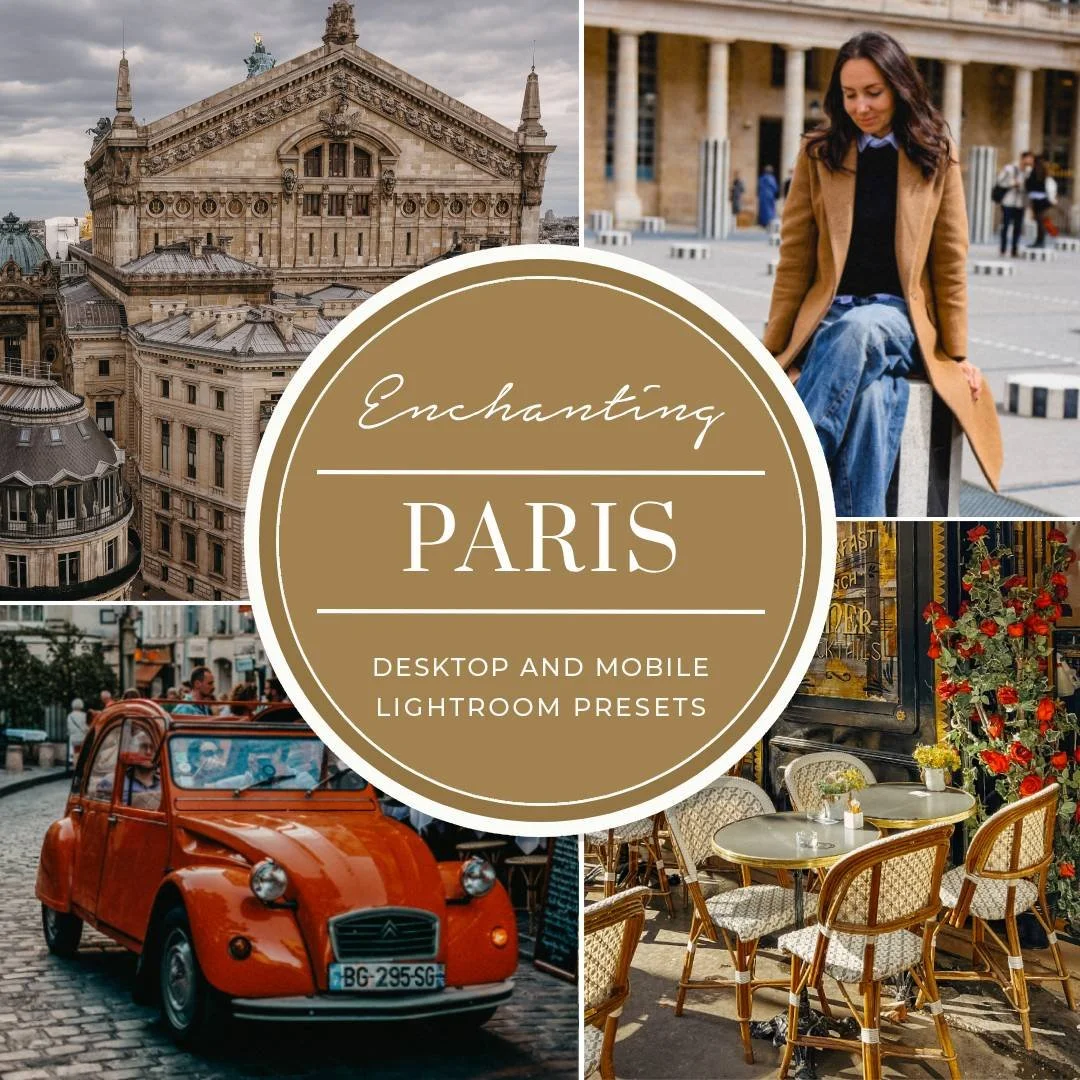
Introducing the Charming Paris Lightroom Presets Collection — a refined set of presets inspired by the timeless elegance of Paris. Created for both Mobile and Desktop Lightroom, this collection brings together beautiful cinematic colors, delicate film-inspired tones, and sophisticated black & white edits designed to elevate your photography with effortless style. Imagine wandering through quiet Parisian streets at sunrise, lingering in charming cafés, discovering hidden courtyards, and watching the golden evening light dance across historic facades. Every preset in this collection was designed to capture that feeling — romantic, artistic, and effortlessly beautiful.
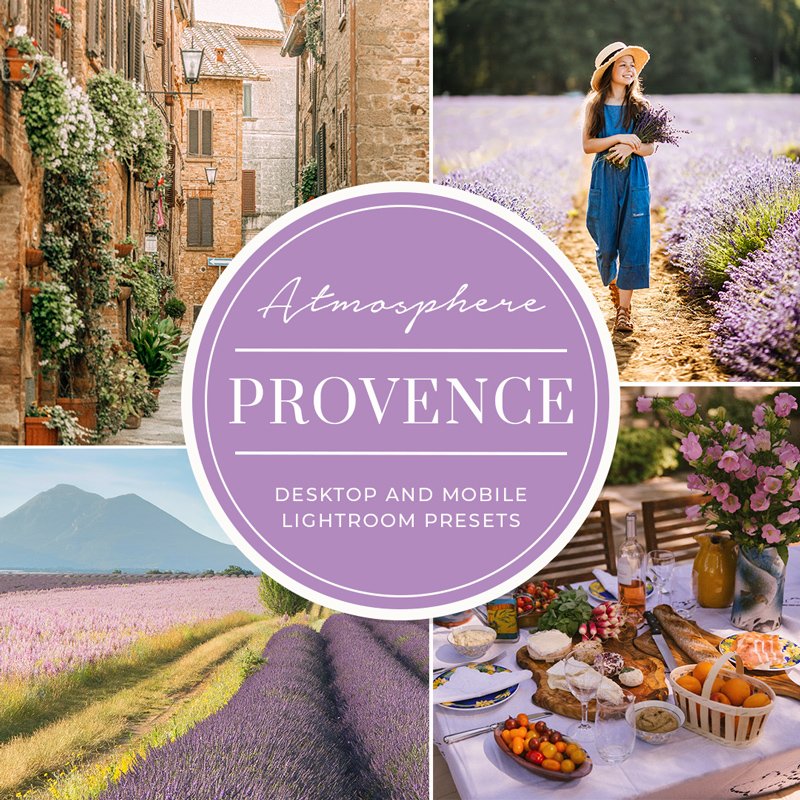
Introducing the Provence Lightroom Presets Collection, crafted for both mobile and desktop versions of the free Lightroom app. This set features 14 custom presets optimized for enhancing your photos with a touch of Provencal charm. Additionally, grain presets are included to add depth and ambiance to your images, compatible also with Adobe Lightroom Classic on your computer.
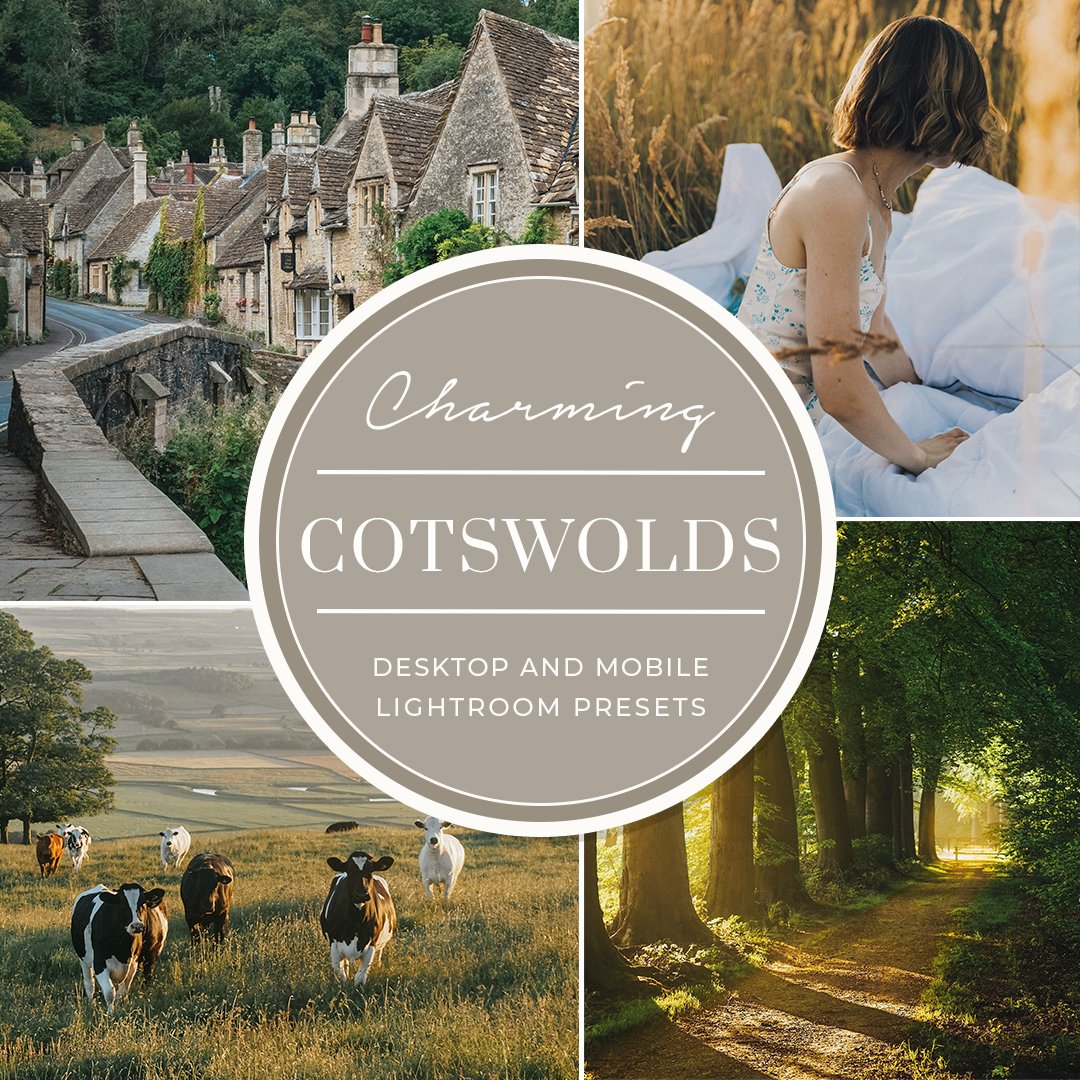
Transform Your Travel Photos with The Cotswolds Lightroom Presets Collection
Are you a travel photographer, blogger, or just someone who loves capturing the beauty of your adventures? The Cotswolds Lightroom Presets Collection for Mobile and Desktop is perfect for you! This collection includes 17 custom presets designed for the free Lightroom app and Adobe Lightroom Classic, making it easy to achieve stunning edits with just one-click.
Why Choose The Cotswolds Lightroom Presets Collection?
The Cotswolds is a charming part of England, known for its picture-perfect limestone villages and soft countryside scenes. With gentle hillsides, delightful honey-colored villages, and river valleys, this region offers endless opportunities for magical photography.

The 1,000+ presets included in this pack are perfect if you're looking to get a head start on your editing in Lightroom Desktop and Mobile. We made them with accuracy and user-friendliness in mind. All of the 37 collections of presets that we sell, along with all future upgrades, are included in this package. You'll have access to a wide variety of styles, including wedding, film simulation, dramatic HDR, fashion, newborn, family, black and white, moody, portrait, and street photography. You will also get full use of the Lightroom Toolkit premium set. It would cost you $1073 to buy every preset bundle separately. You can save money by purchasing the bundle instead of the individual items. You also receive free, permanent access to all future updates. This preset pack will be your last.

The Ultimate Lightroom Presets, Brushes, Photoshop Actions & ACR Presets Bundle — now 70% OFF — is an essential toolkit for wedding, engagement, portrait, and maternity photographers looking to create stunning, consistent edits with ease. Designed to streamline your workflow and enhance every image, this premium bundle features six exclusive collections with 260 professionally crafted presets and actions: Wedding, Coffee & Chocolate, Wedding & Romance, Love Story, Portrait, and Bright & Airy Collections. Carefully created for modern photographers, each preset and action is designed to deliver elegant tones, flawless skin, soft highlights, rich colors, and dreamy atmospheres that instantly elevate your photography. Whether you’re capturing romantic wedding moments, intimate maternity sessions, emotional engagements, or timeless portraits, this collection helps you achieve a polished and professional look in just a few clicks.
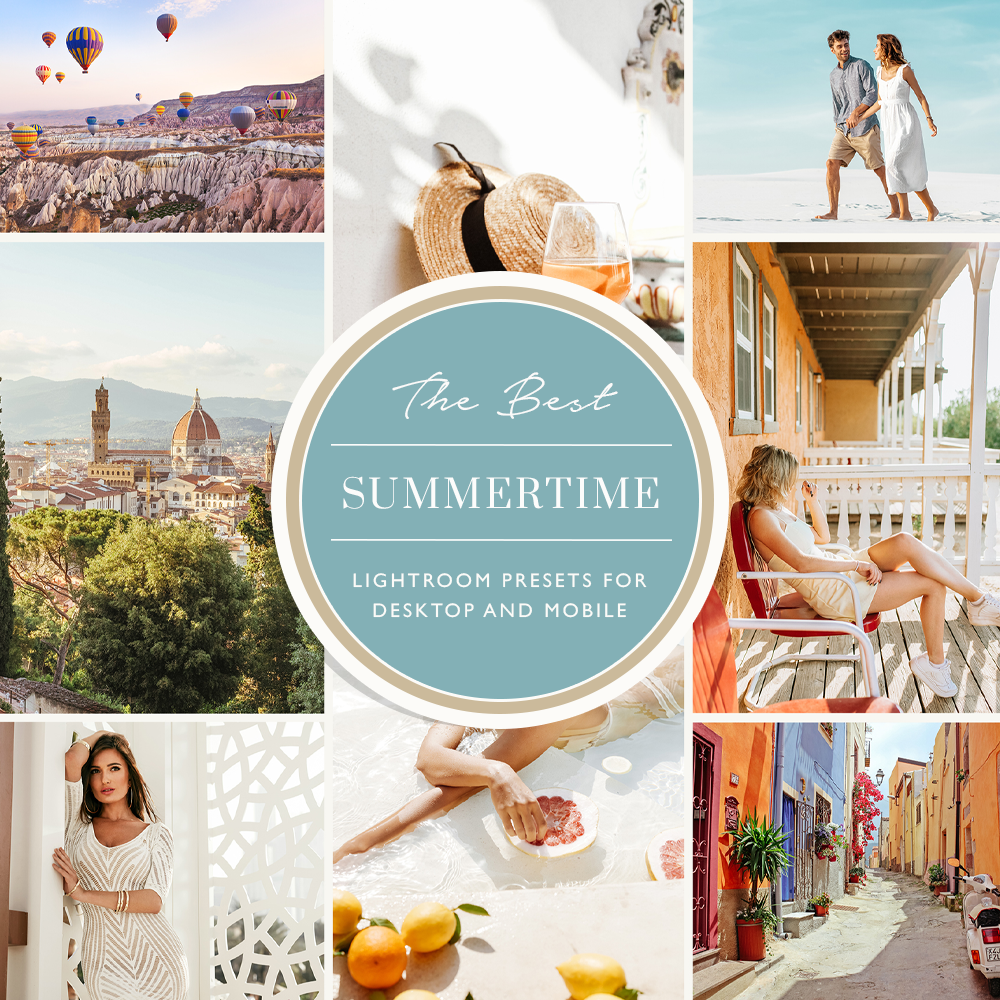
Capture the warmth and vibrance of the season with this Summer Lightroom Presets Collection for Desktop & Mobile. Designed to bring your summer memories to life, this collection enhances outdoor portraits, beach days, sunsets, travel adventures, and moments with friends and family with stunning, magazine-worthy edits. Infused with warm tones, natural light enhancements, and a cozy summer atmosphere, these presets are perfect for creating bright, airy, and emotionally rich images. Whether you're shooting wild nature, golden hour sunsets, or everyday lifestyle moments, each preset is crafted to enhance color, depth, and mood while keeping your photos natural and beautifully balanced. Ideal for travel photographers, lifestyle creators, bloggers, and social media enthusiasts, this collection helps you edit like a pro and turn everyday summer shots into unforgettable “magic moments” with just a few clicks.
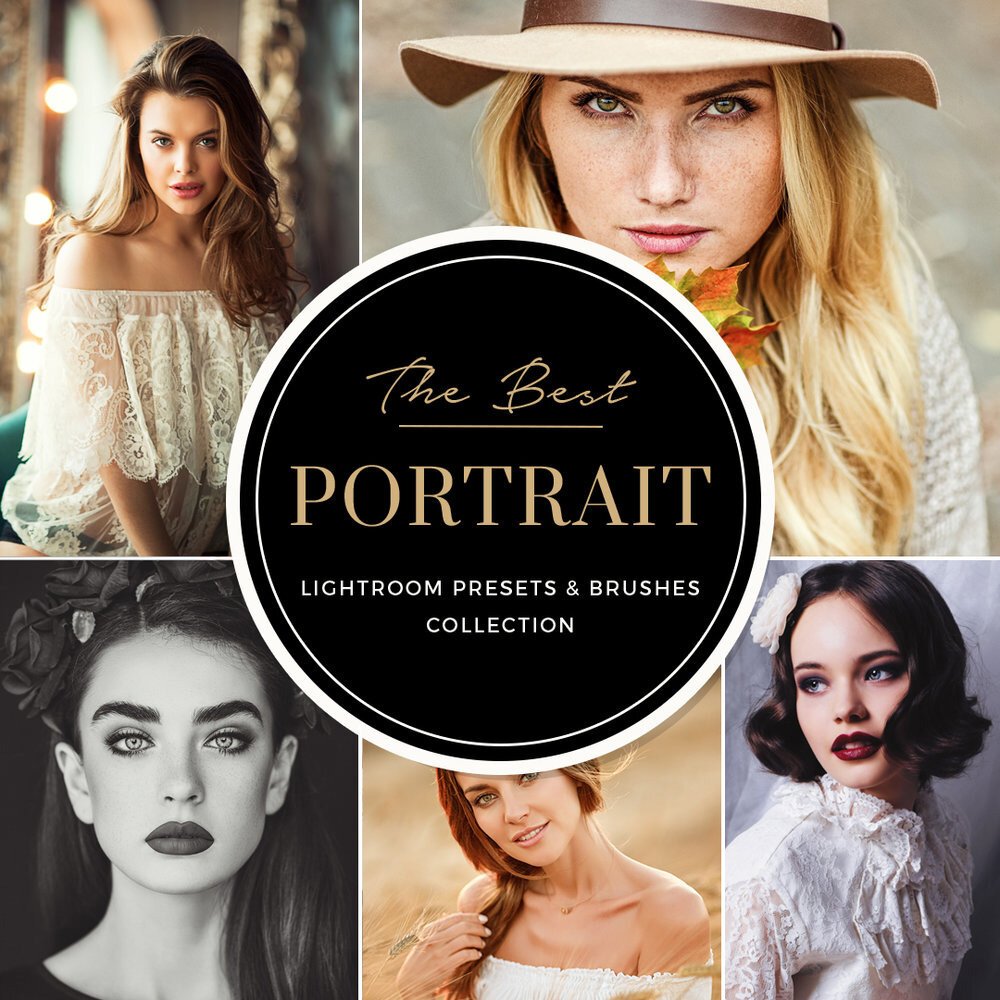
Download Lightroom presets for portraits. Incredible fine art portraits are only a few clicks away with the BeArt Portrait Perfection Collection. You can drive the creative process in just a few minutes using our presets and adjustment brushes. Transform your images or just make a few corrections. Our efficient and creative editing tools allow you to make your post-production changes quickly and easily. You can even develop your unique style of portrait photography using any of the presets or brushes in the collection. Get our professional photo editing tools for portrait photographers.
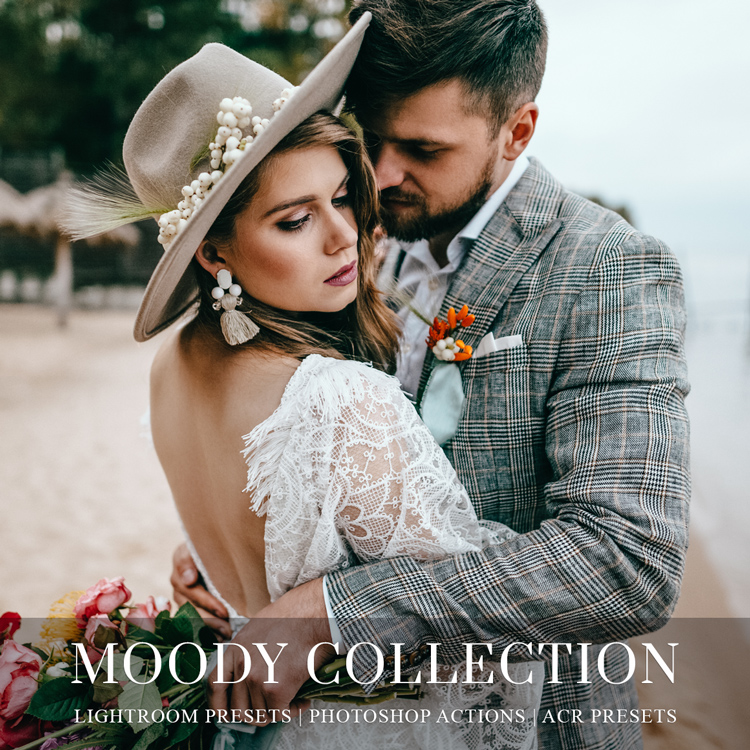
Transform your photos with this premium Moody Lightroom Presets Collection for Desktop & Mobile, including Photoshop Actions and ACR Presets. Designed to create rich tones, cinematic depth, and timeless atmosphere, this collection is perfect for photographers and creators who want a professional, artistic look with just one click. Ideal for weddings, engagements, elopements, portraits, fine art photography, fashion, lifestyle, landscapes, street photography, and both indoor and outdoor photoshoots. Whether you're editing for social media, client galleries, or professional portfolios, these presets deliver consistent, elegant, and mood-driven results across every image. Perfect for photographers, influencers, bloggers, and content creators seeking a modern, cinematic editing style.
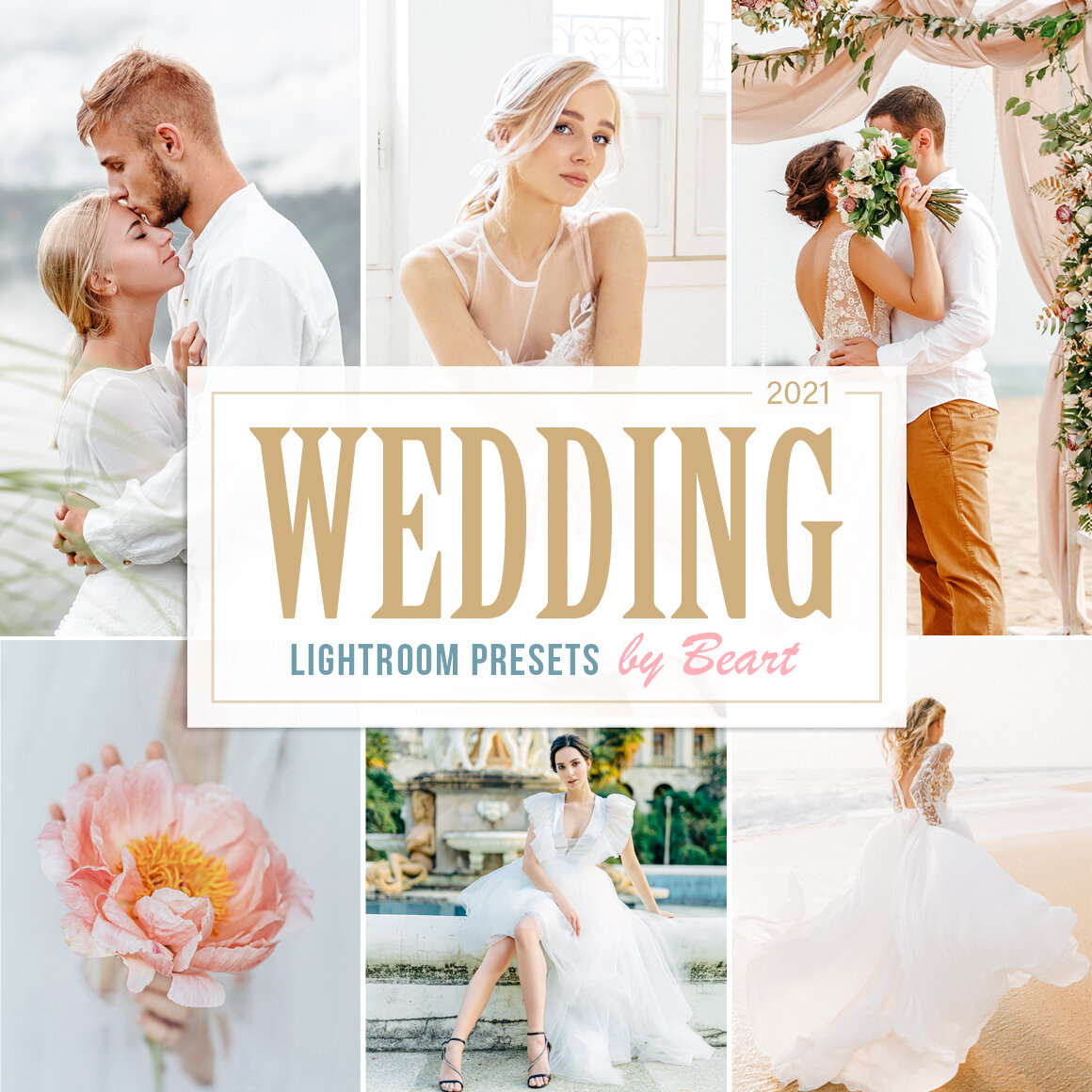
Wedding Lightroom Presets for Mobile & Desktop are professionally designed to enhance and streamline your wedding photo editing workflow. This collection helps you achieve beautifully polished, timeless images with just a few clicks, saving hours of editing while maintaining a consistent and elegant style. Perfect for weddings, engagements, elopements, bridal portraits, and romantic photography, these presets add soft tones, refined colors, and a professional finish to every image. Whether you're a professional wedding photographer, blogger, influencer, or content creator, this collection makes editing faster, easier, and more efficient. A must-have preset collection for creating stunning, high-end wedding photography with a clean and cohesive look.
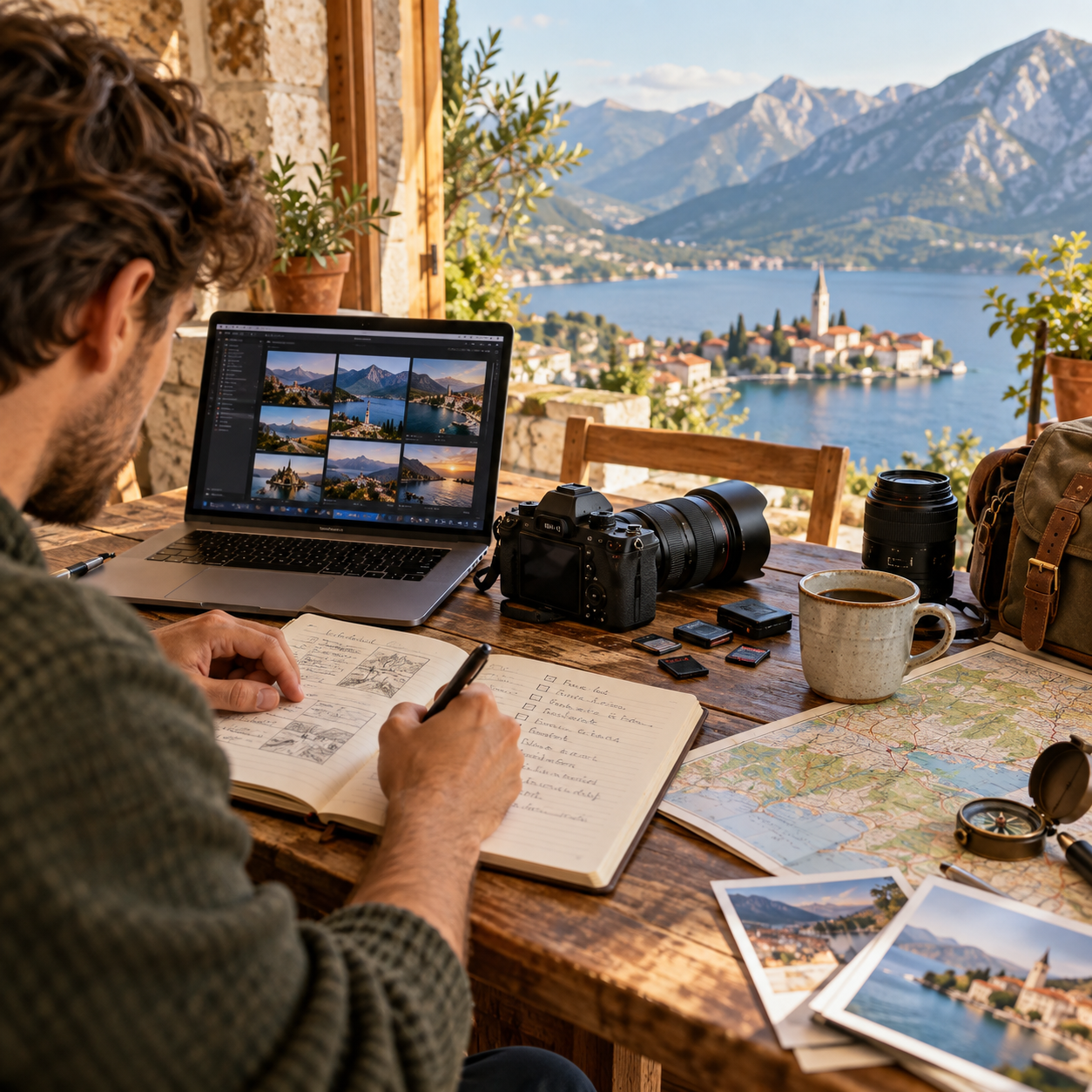
A practical guide to planning a photography trip, from finding the best light and scouting locations to packing camera gear, working offline and staying organized while traveling.
Instagram is the most obvious place to look for a photographer. Built entirely around images, it’s the natural starting point for a visual search. But deciding to hire someone is no longer just a matter of finding a feed full of beautiful photos.
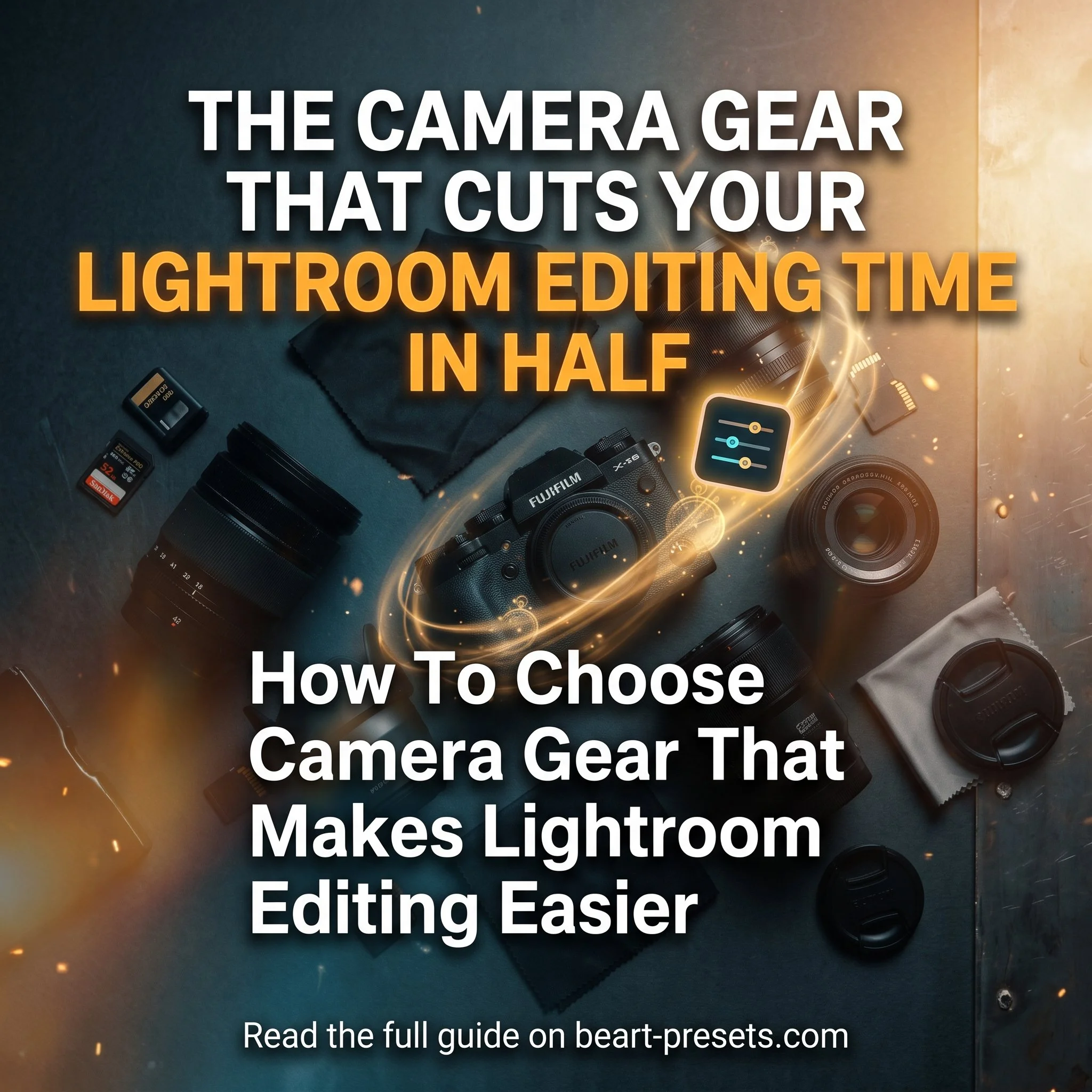
Adobe Lightroom is a great tool for editing images. There are many features that can adjust colors, add contrast, enhance sharpness, and even use unique effects to create that wow factor. But a high-quality photo taken at the very beginning with the right gear in the right format makes editing in post a much cleaner and easier process.

Whether you’re a professional photographer, a freelance designer, a blogger, or someone who simply loves gorgeous visuals, BeArt Image was created with you in mind. Here is the story behind why we built it, what you can expect, and how it fits into your creative workflow.

Many photographers are already close to offering a photo booth rental service. They understand event timing, guest flow, lighting, client expectations, and image delivery.
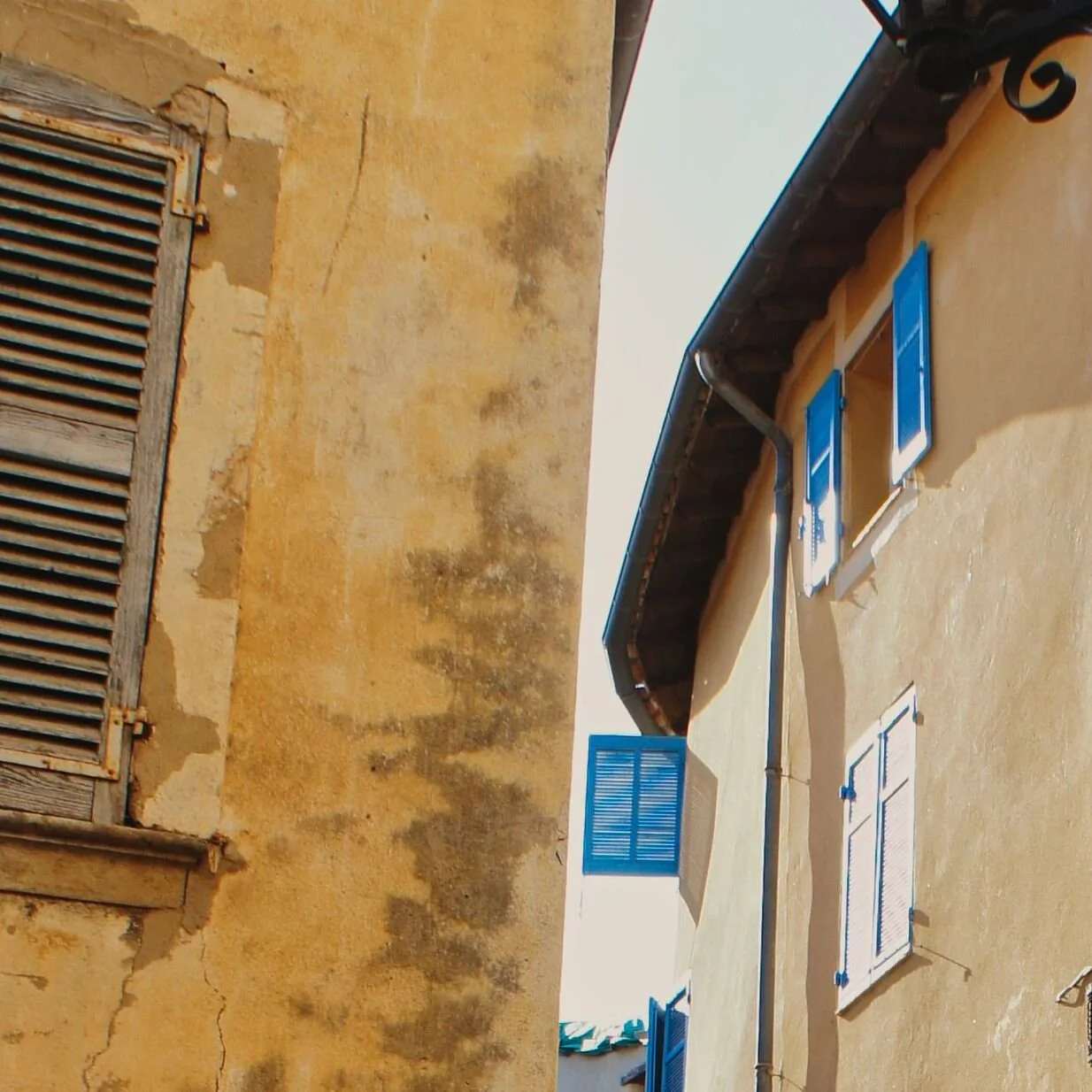
Eight of the most photogenic spots in Provence - lavender fields, ochre cliffs, Roman ruins, flamingos - with exact timing, light, and composition tips for every location.
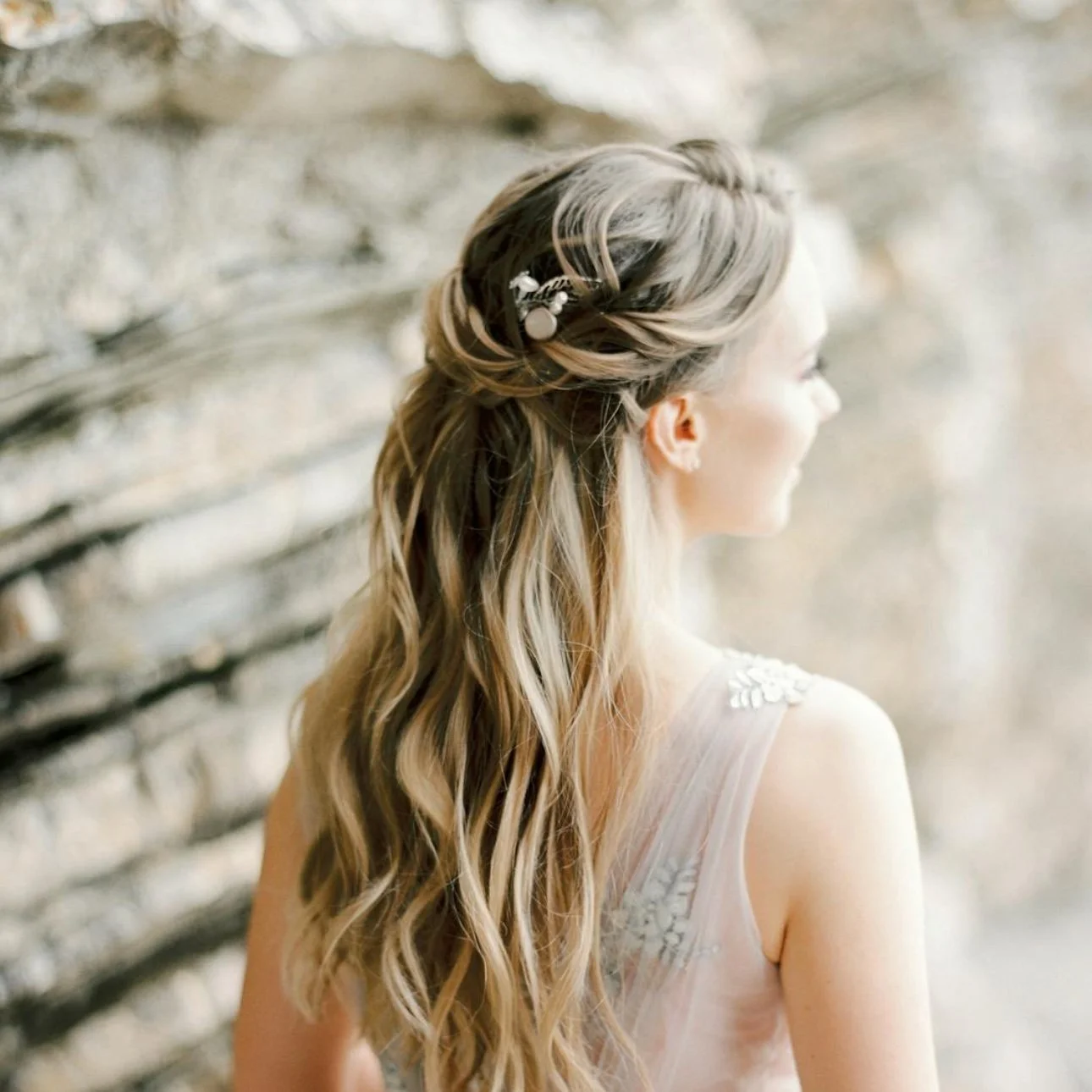
Lightroom presets cut wedding photo editing from days to hours by automating consistency across hundreds of images. Here's how to build a preset-based workflow that scales.
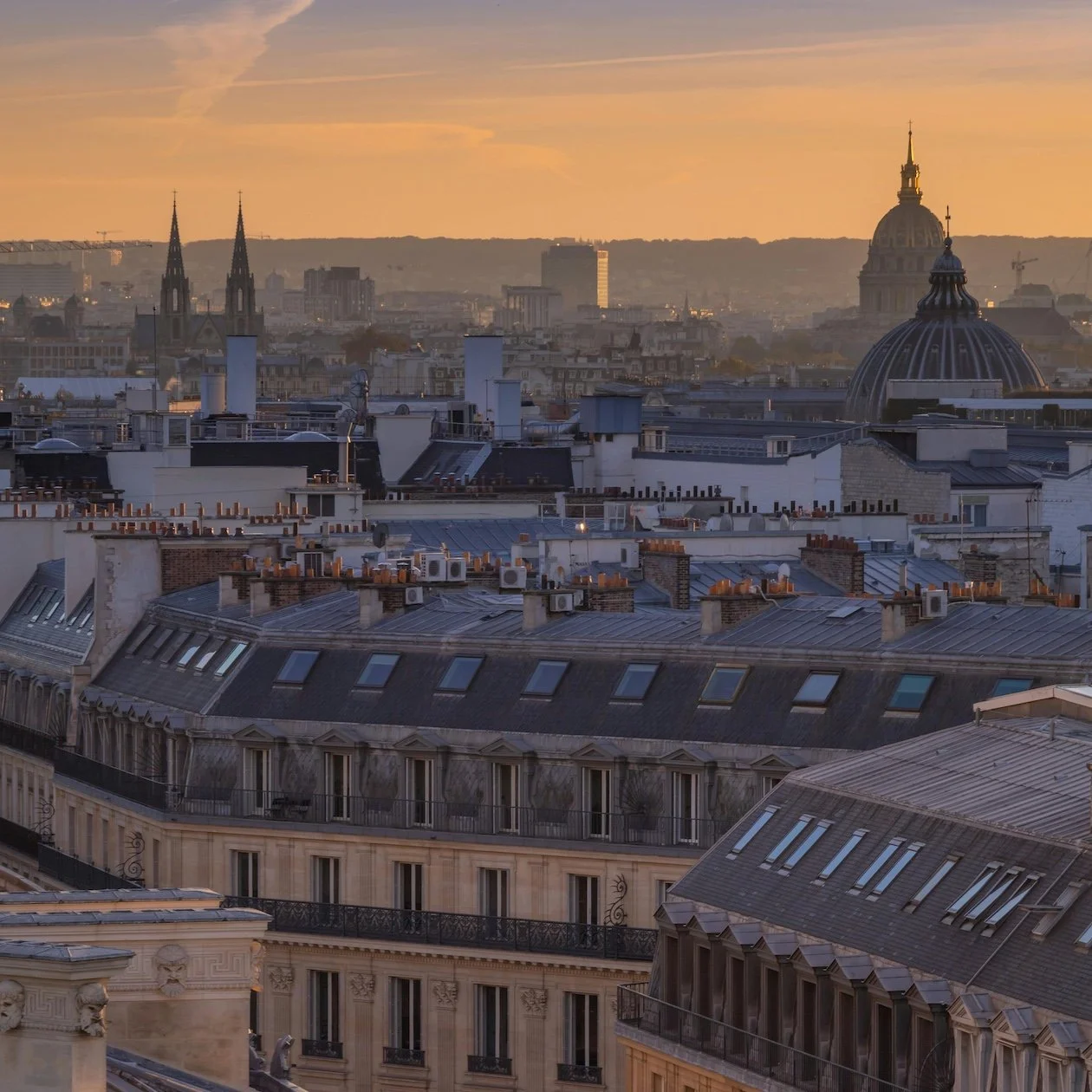
The photographers who actually nail Paris - the ones whose images feel alive, specific, and unmistakably theirs - share a few habits: they shoot at the right time, they know which spots to skip (and which hidden corners to seek out), they understand how the city moves, and they edit with intention. This guide covers all of it.
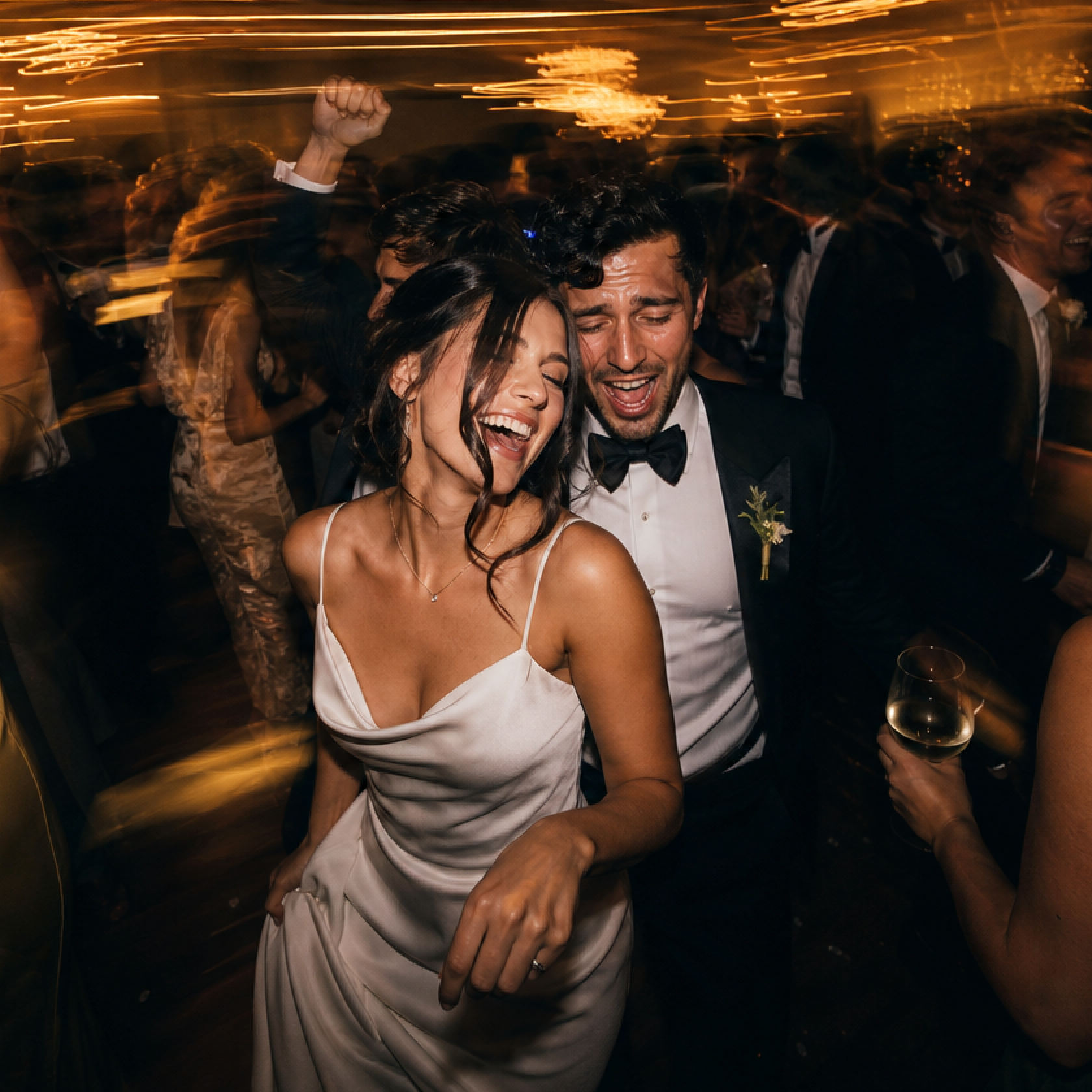
The wedding photography landscape is shifting. For a long time, the industry was obsessed with "perfection" – the perfectly posed sunset portrait, the clinical sharpness of high-end digital sensors, and the muted, "light and airy" palettes that dominated Pinterest for a decade. But as we move into 2026, those standards are being replaced by something more honest.
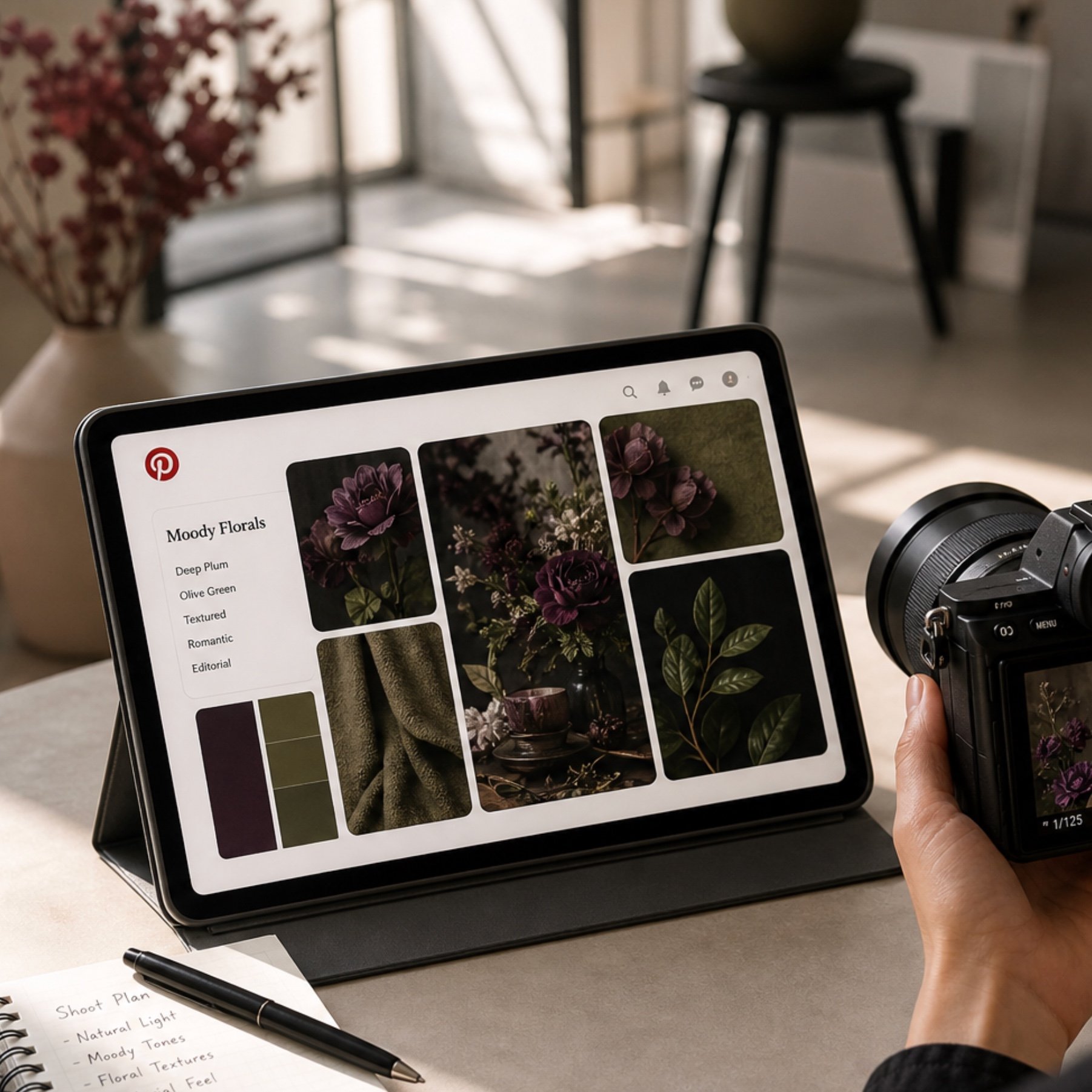
Pinterest has evolved from a simple mood board tool to a visual search engine that dictates wedding aesthetics in 2026. Learn how to stay ahead.
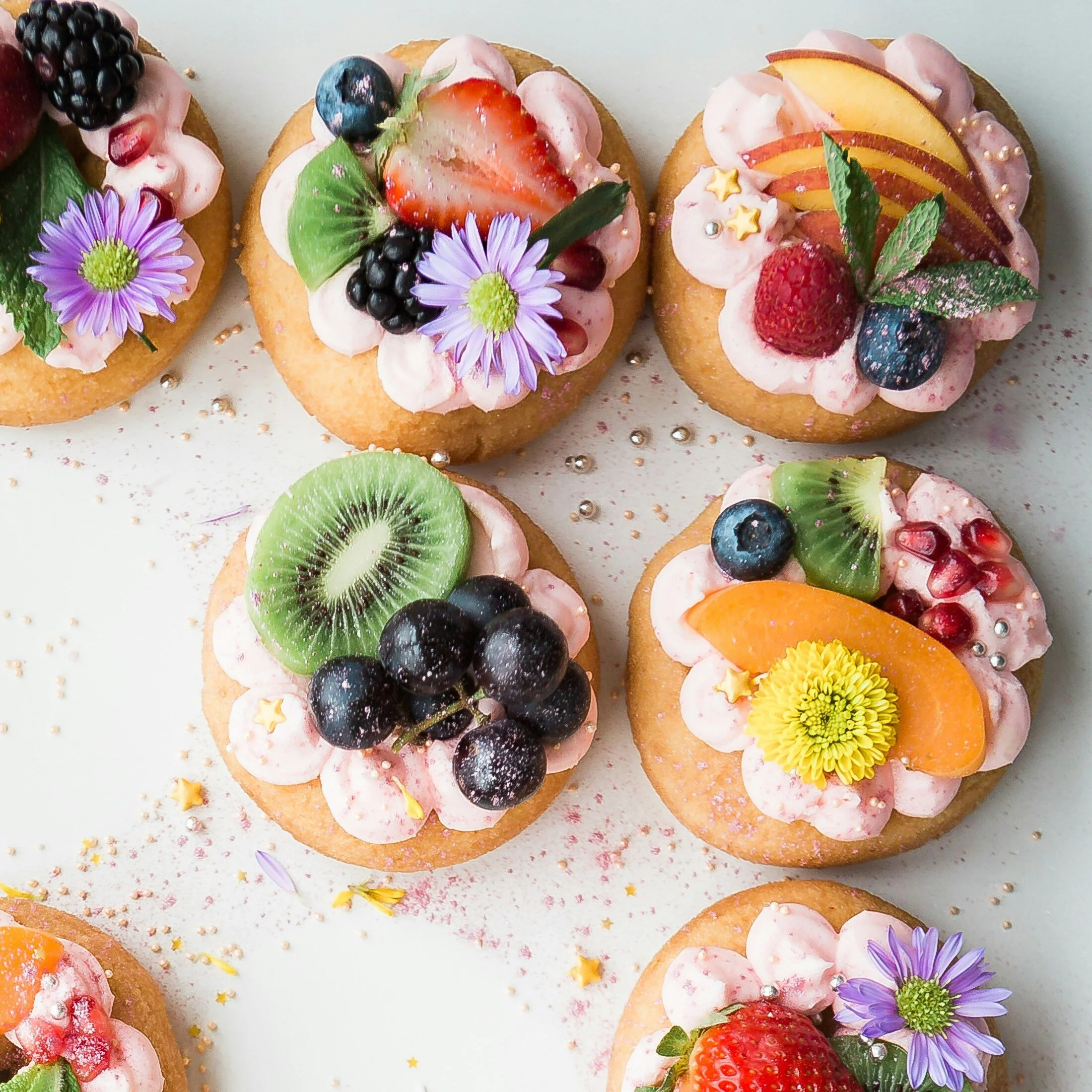
Capturing these culinary details requires a shift from documentation to editorial storytelling, ensuring every bite looks as good as it tastes.
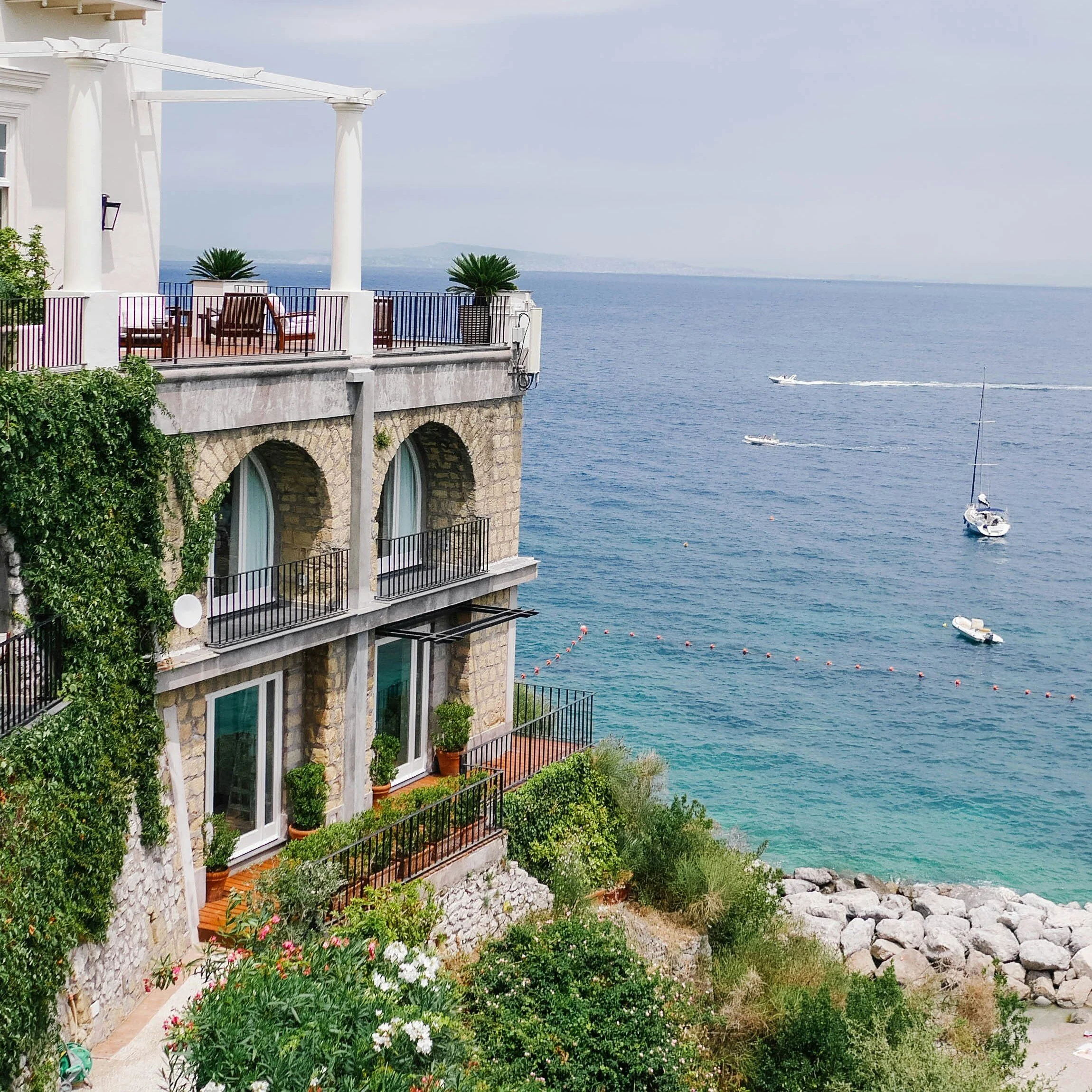
Find your dream 2026 wedding venue with our curated list of the top 7 US locations, categorized by aesthetic and guest experience.
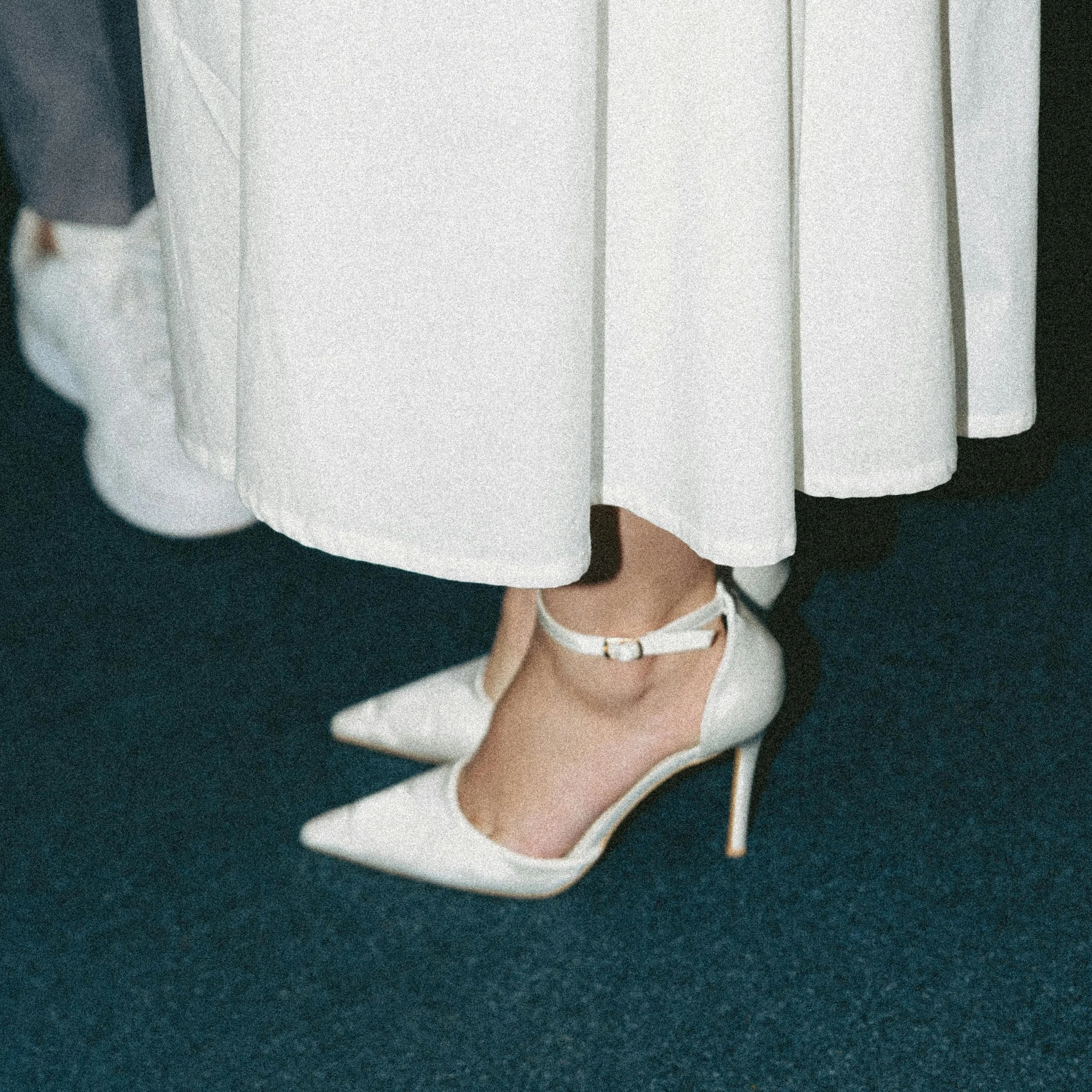
The photographers featured here represent diverse philosophies: some lean toward editorial precision and fashion-informed aesthetics, others embrace documentary spontaneity, and a few push intentionally into experimental territories.
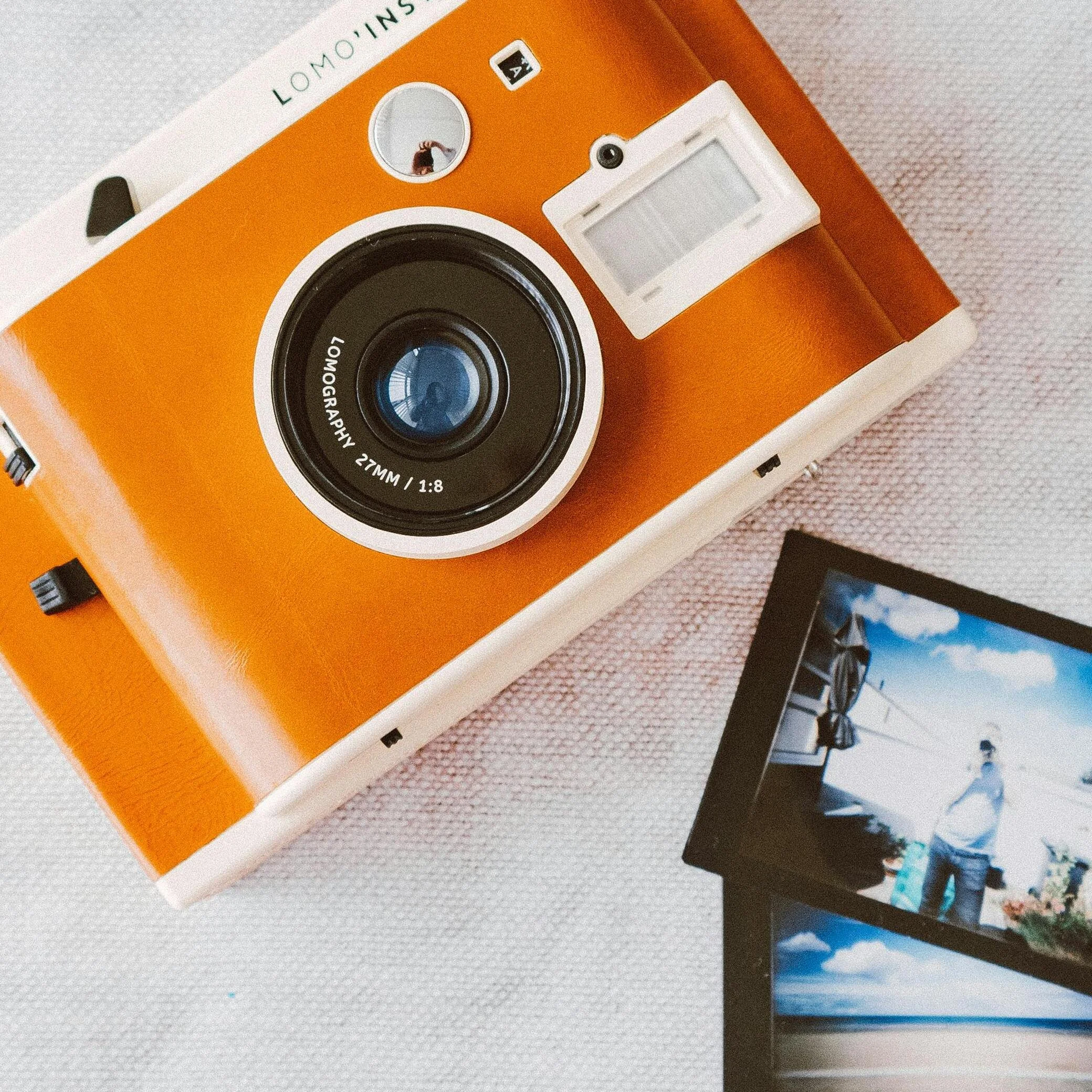
The funny thing about AI in photography is that most of us have been using it for years without thinking about it

A well-chosen coffee table book enriches a home in unexpected ways—it draws attention, invites conversation, and sometimes reflects personal style as much as framed art or accent furniture does.
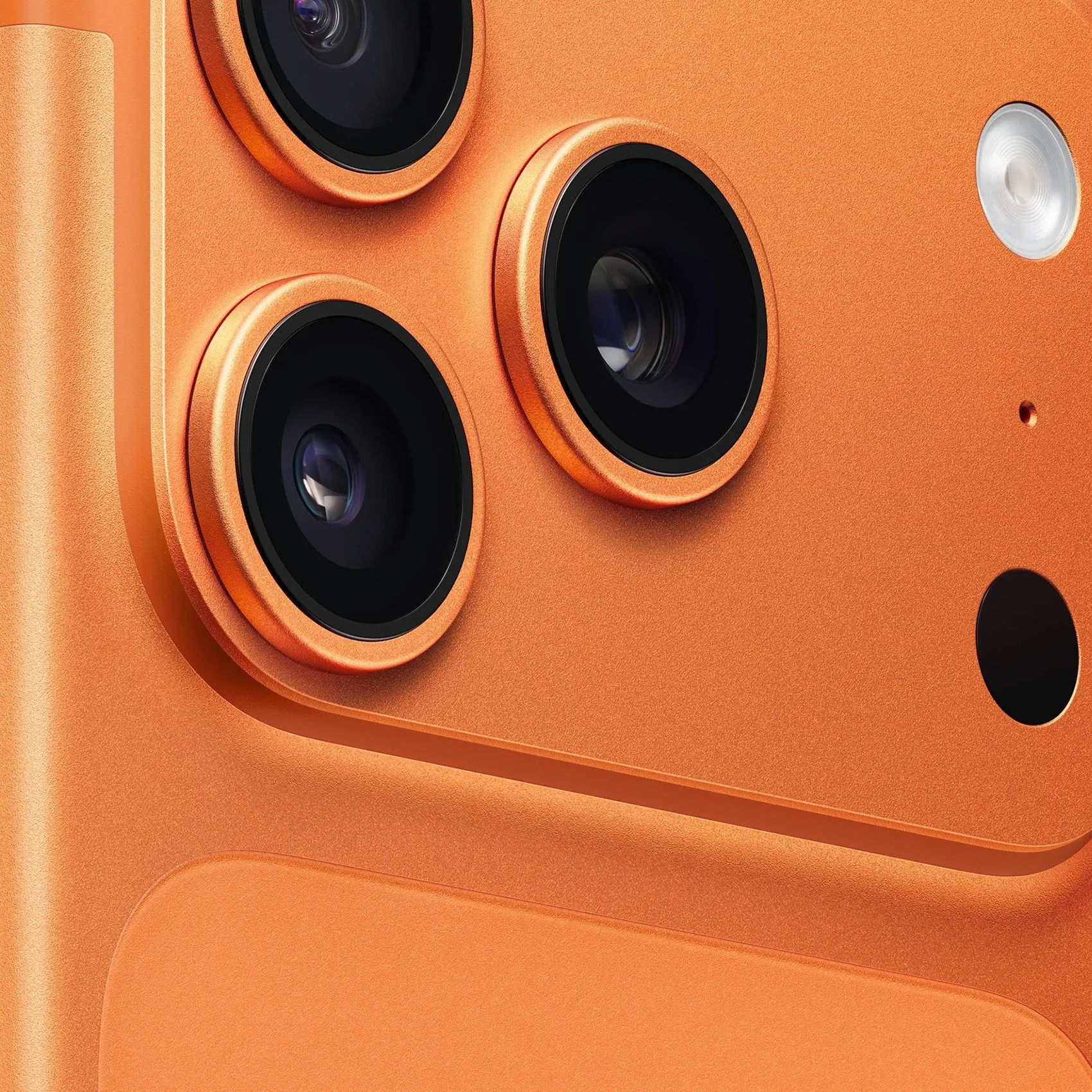
After several weeks with the device in hand, it's clear Apple has once again pushed boundaries, combining refined optics with robust sensor technology for results that consistently surprise.
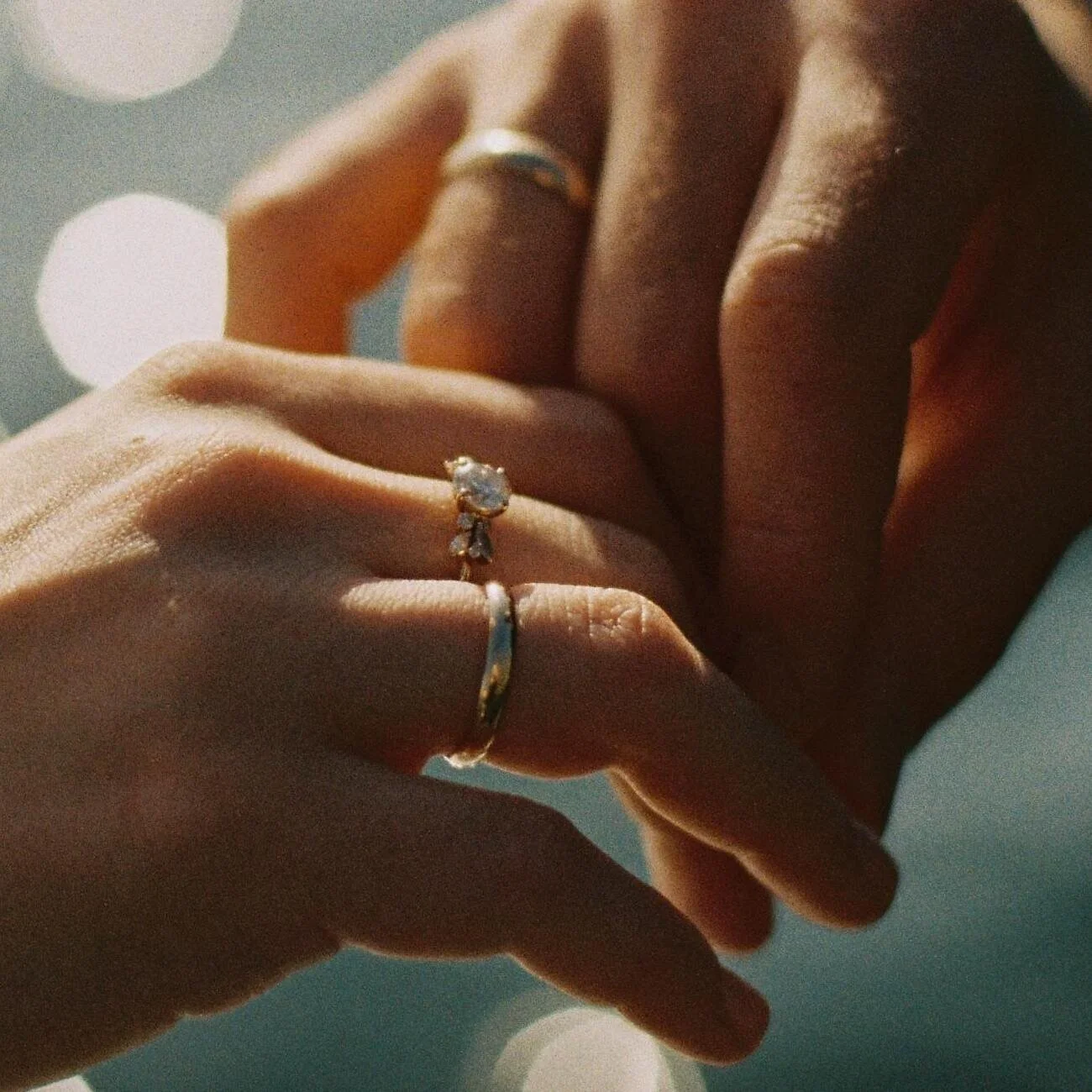
It is not about costly gear and complex lighting systems. It is about realizing that the ring is not a mere accessory, but it is the physical representation of a promise. And when you look at it like that, everything is different.
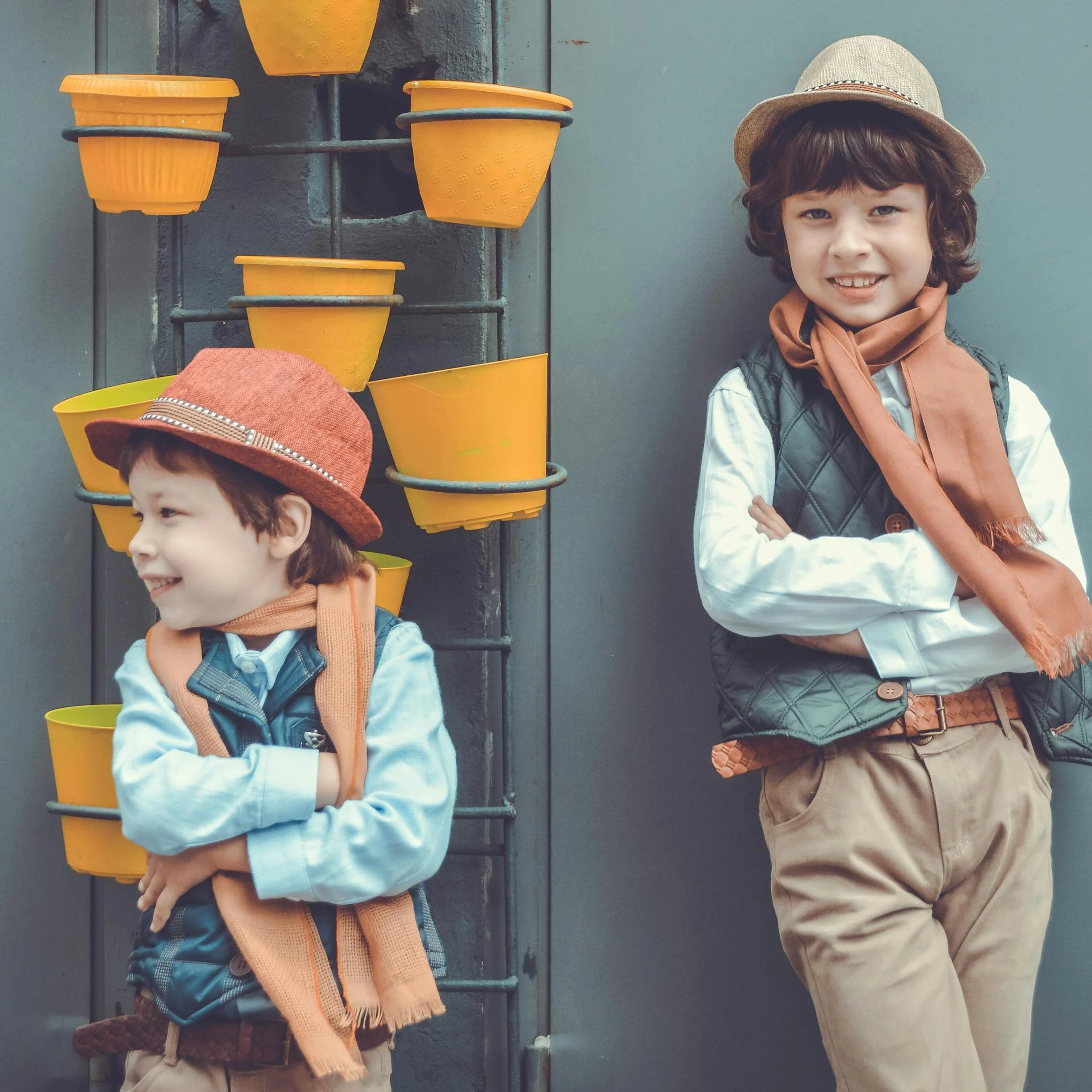
Capturing the essence of childhood by portraying their joy would be a great option. Having the beautiful candid photography of your children is a great way of capturing spontaneous moments of their special moments.
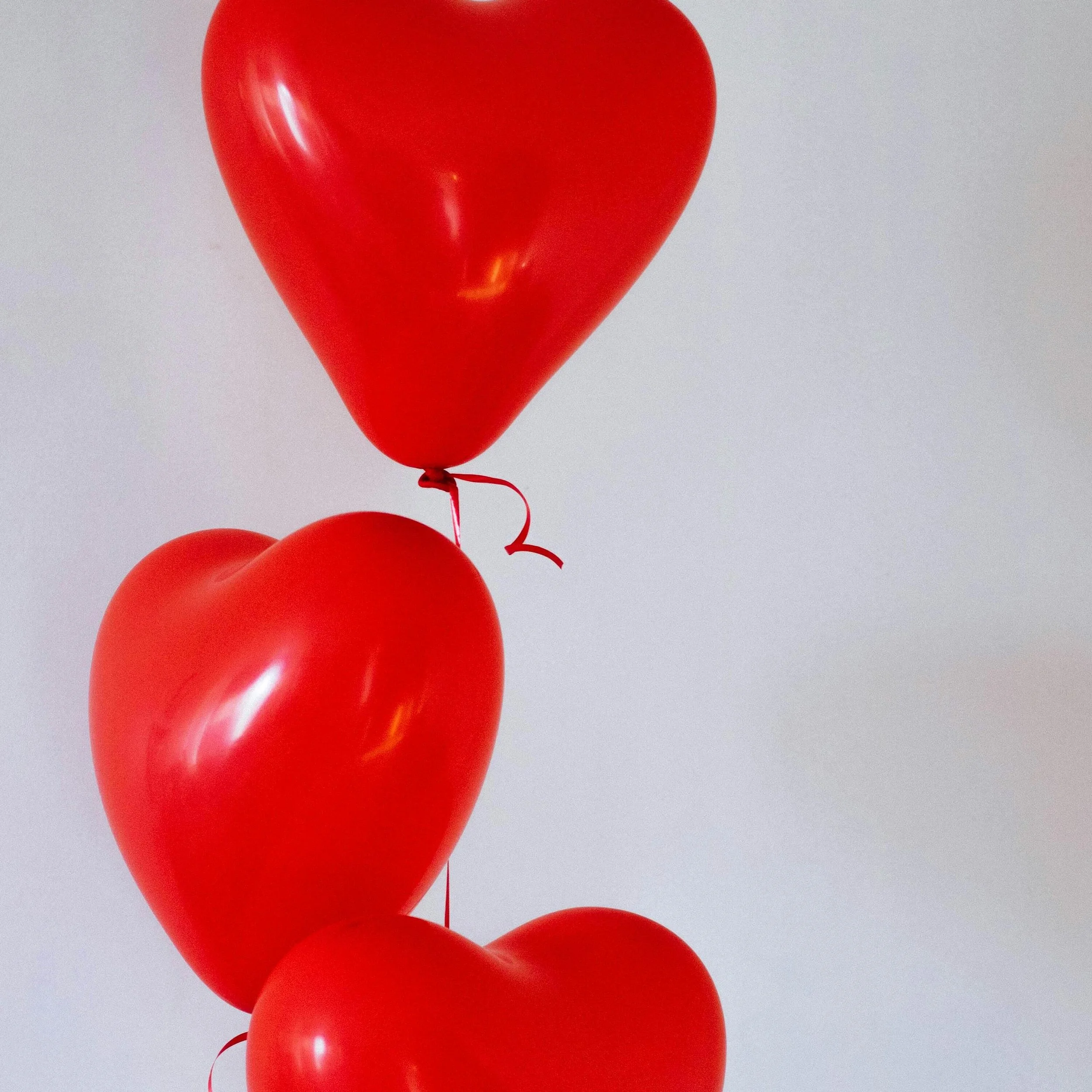
In everyone's life, wedding ceremonies are the most unforgettable day that never fades out in our lives. From relatives, friends, to guests, everyone will be happy and share their emotions and blessings.

Let’s be real—most wedding photos don’t turn out the way you imagined. You spent weeks curating Pinterest boards, scrolled endlessly through Instagram inspiration, and maybe even splurged on a high-end photographer.

Discover why hiring a professional videographer in Melbourne is essential for capturing your vision. Explore costs, insights, and how pros can help.

Introducing the Idyllic Santorini Lightroom Presets Collection, created for both mobile and desktop versions of Lightroom. Inspired by the timeless beauty of Santorini, this collection captures the feeling of returning home from an unforgettable journey with a camera full of memories. Whitewashed villages glowing in the afternoon sun, charming streets adorned with bougainvillea, leisurely breakfasts overlooking the sea, and soft pink sunsets melting into the horizon.
BUY NOW